
Another officer takes over.
The request stays on track.
Planning, early years services, local associations: Orvile Mail automatically files emails in the relevant case folders. Officers continue replying to residents, with the correspondence and documents they need close at hand.


A new document arrives. The case file grows.
An association clarifies its request; a resident sends a supporting document. Their messages stay with the case documents. When another officer covers the service, they can consult the correspondence they have access to and check the replies already given.
From officers to elected members, define who can see what.
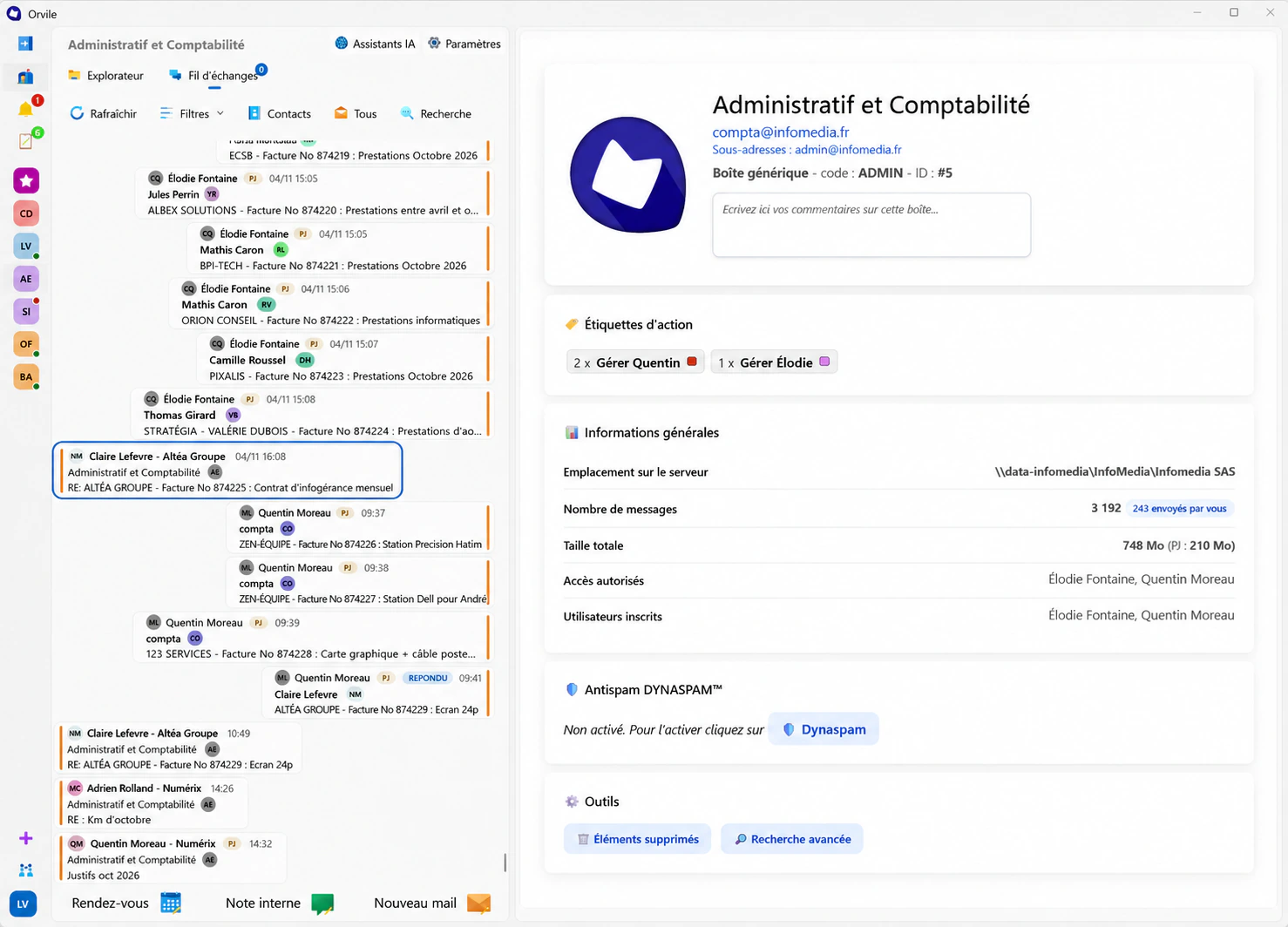
An officer needs the details of a request; the elected member responsible needs to follow their service; the mayor needs a view of the cases they oversee. Access rights are defined around those responsibilities. A demonstration lets you explore that setup with your teams.
Know what still needs doing for each request.
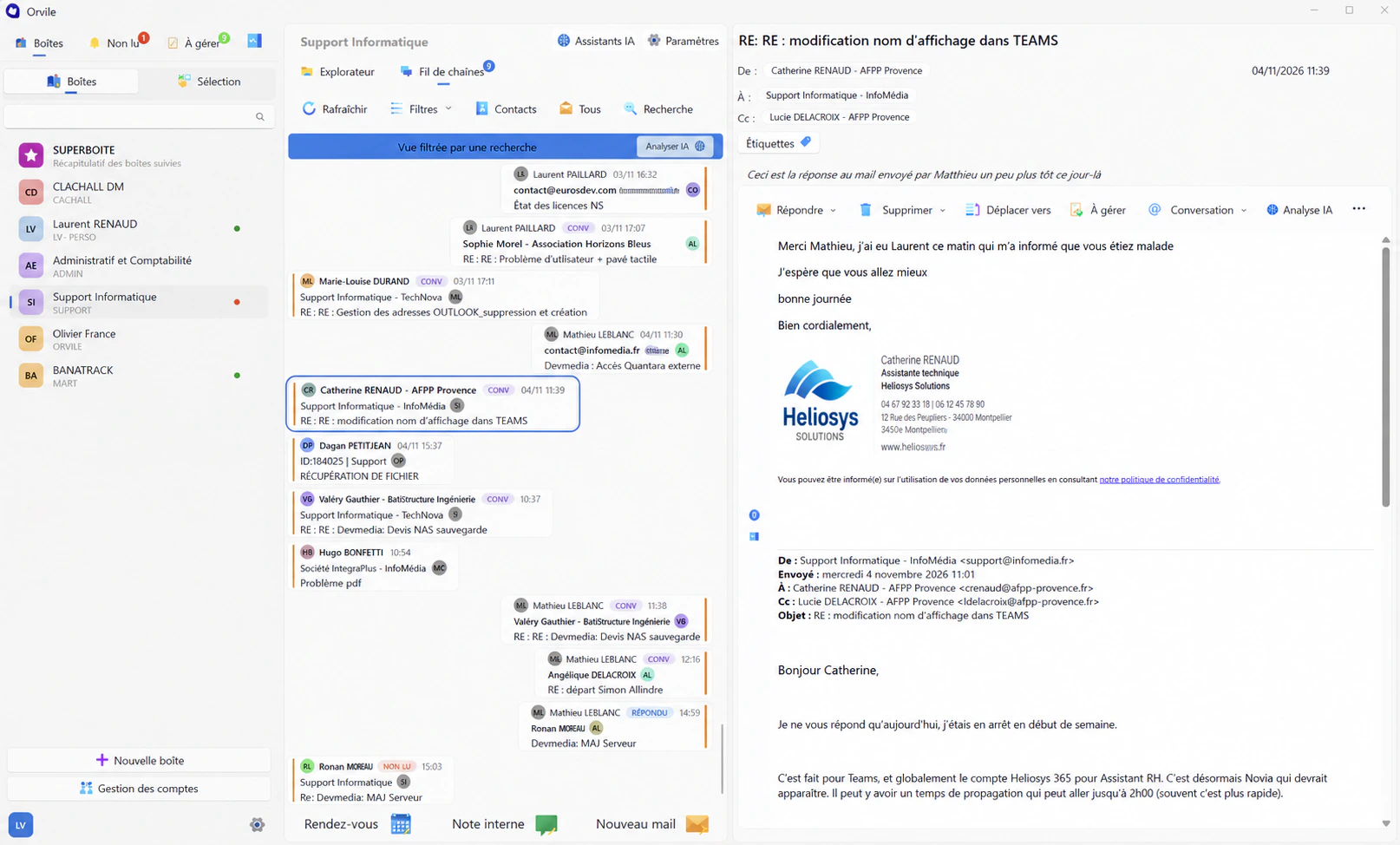
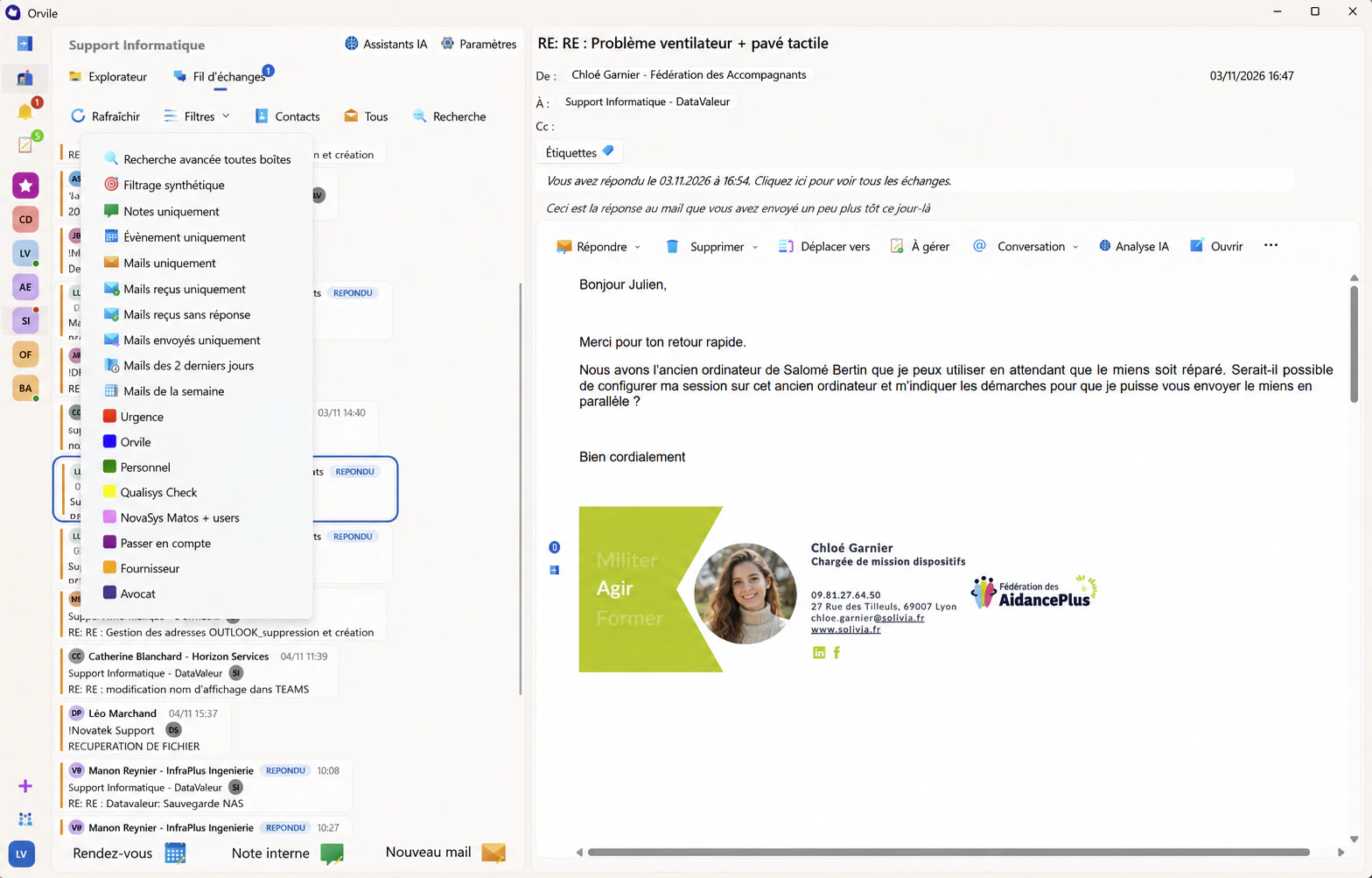
A reply to prepare, a missing document, a detail given over the phone: emails marked for action and internal notes help officers follow the next steps. Search across accessible mailboxes brings up earlier correspondence when a request comes back.
Explore the email featuresWalk through
a resident’s request.
From reception to the relevant service, let’s see which conversations each officer needs to access.
Request a demonstration