
What is the client
asking for?
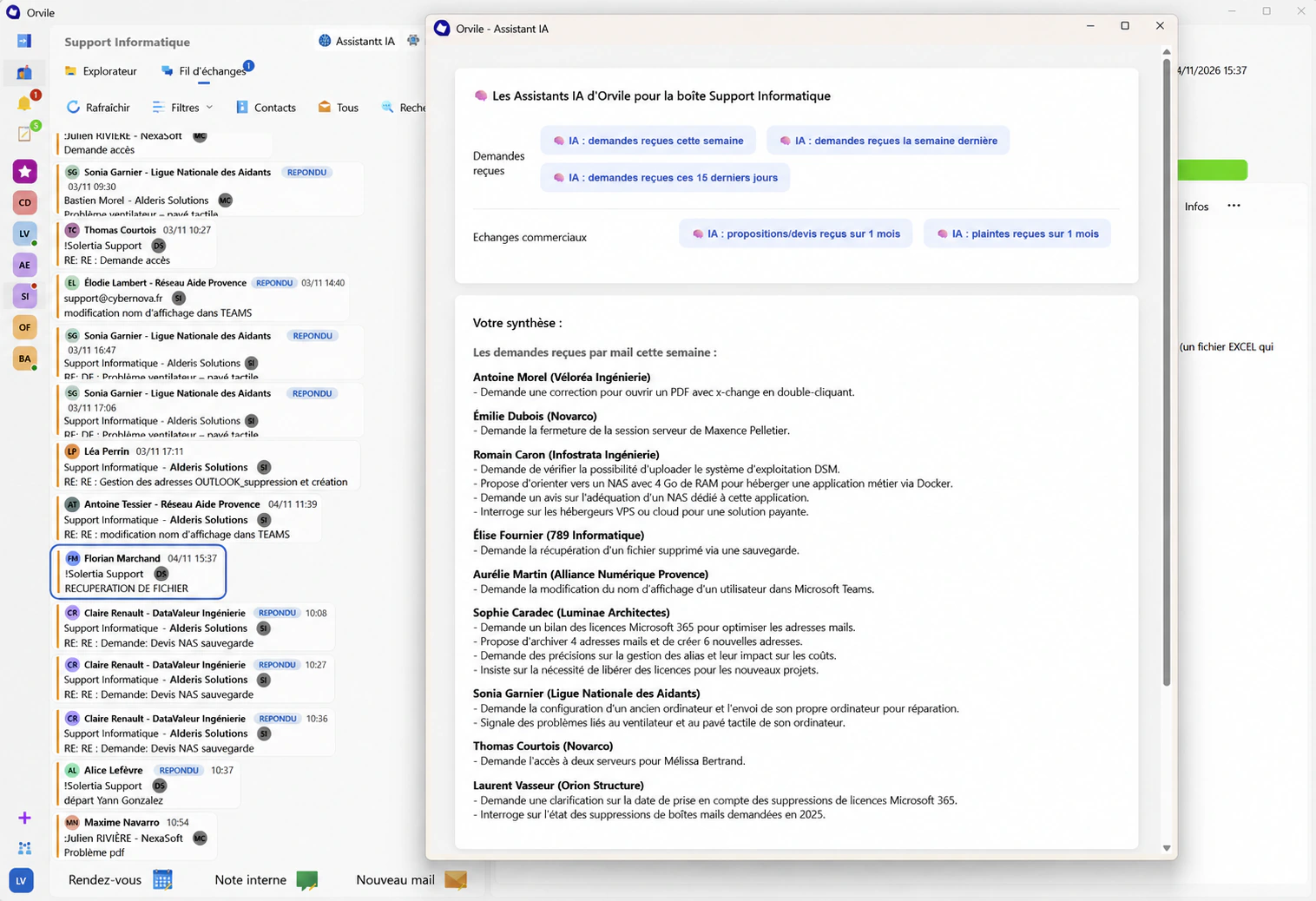
With Mail Plus, select the messages you want to review and ask a question. AI can summarise the discussion or help you phrase a reply.

Find what matters.
Keep the conversation in view.
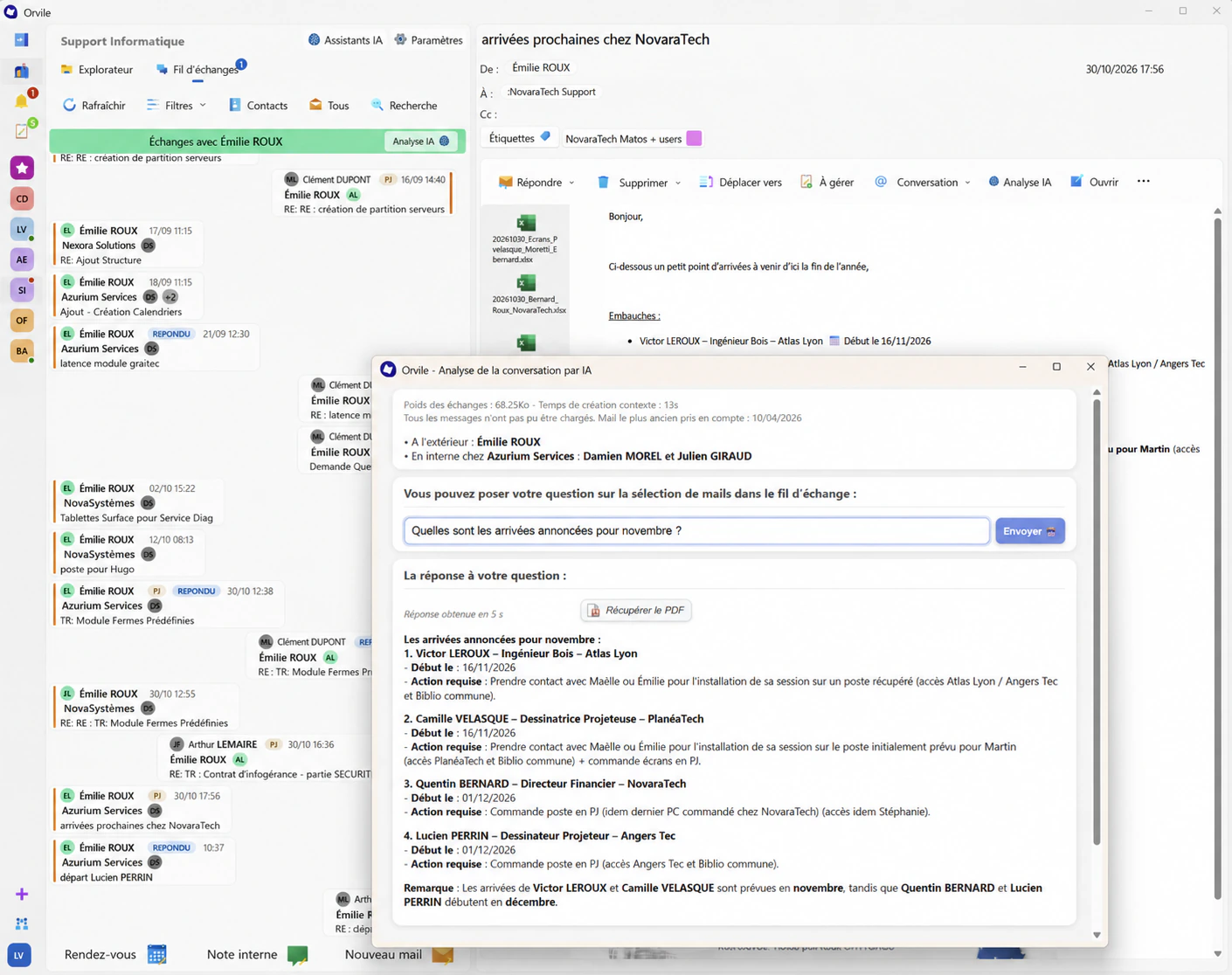
Who was due to join the team? What actions does the client expect? Use AI Analysis to ask about a selected message or conversation. The answer helps you catch up; the original emails let you check the details.

Edit a draft
You’ve written three paragraphs to ask a simple question. Ask for a shorter version, then check it: is the reference right, and does the tone suit the recipient? You choose what to send.
Working well with AI
Catch up after time away
Select the messages that came in while you were away and ask what still needs a decision. To confirm a date or a commitment, go back to the email where it was made.
Ask about a delivery
“Did the client confirm the delivery address?” Ask about the relevant messages. If the latest reply is missing, add it: the answer depends on the emails you select.
Which emails should you analyse?
AI analysis runs on Orvile servers. Before rollout, review data flows and access with your IT lead and agree on the types of conversation your team may analyse.
View plans with AIIn development
The story of a project, written from its emails.
The team is developing an AI feature that will write the history of a project or collaboration from its emails. The aim is to bring together the milestones, discussions and decisions behind the work, beyond the people who took part.
Try it on an email
that needs your attention.
Identify the requests in an email, clarify a detail or prepare a reply. Our team will show you the features available in Mail Plus.
Request a demonstration