
From first sketch
to decisions on site.
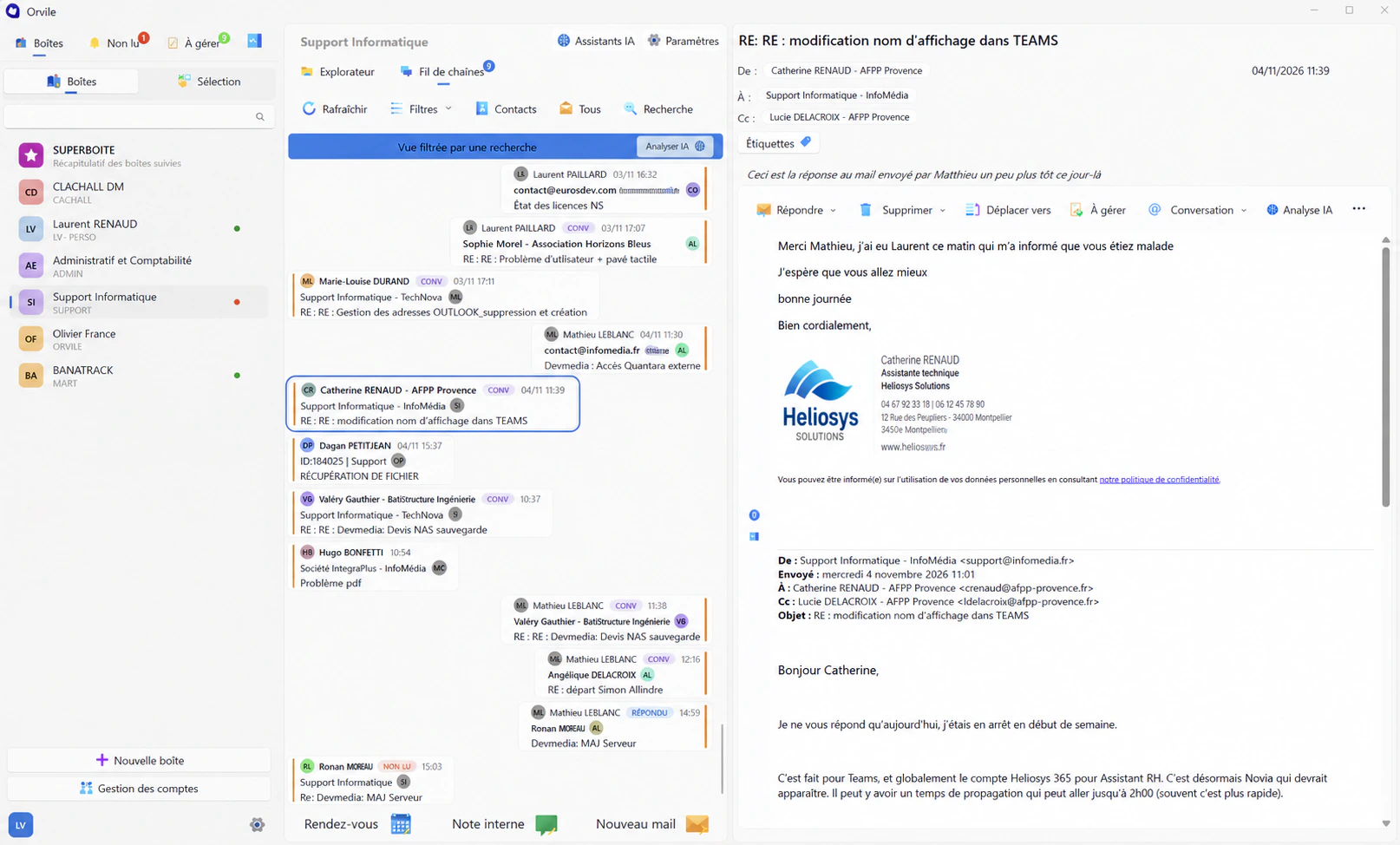
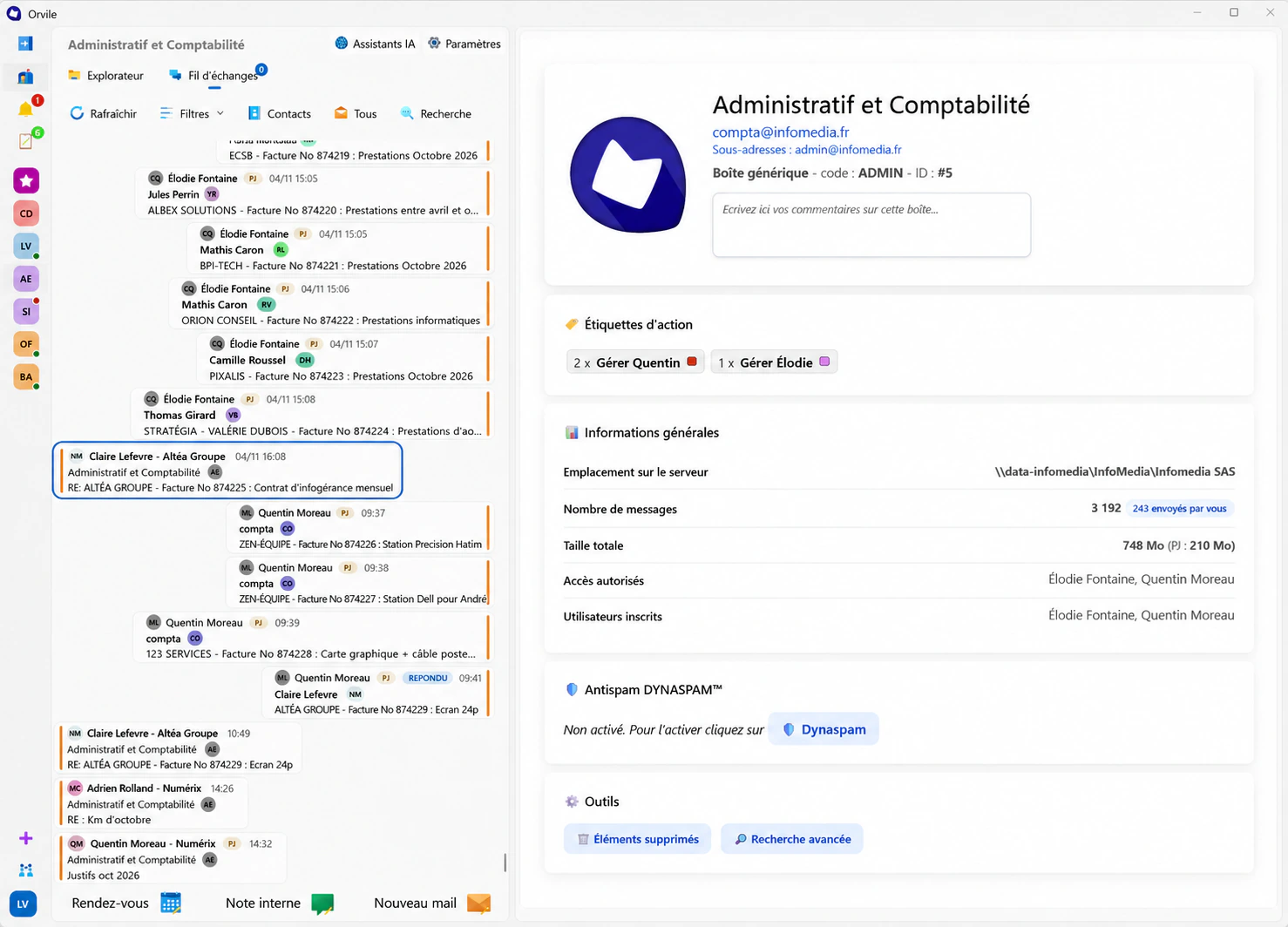
Why did this opening change? Which drawing did the client approve? Orvile Mail automatically files conversations in the project folder alongside the documents they concern.


Understand why the drawing changed.
A revised brief, a technical constraint or a contractor’s request can change the project. The email explaining that change belongs with the relevant documents.
Back at the studio, you can find the original request, replies and shared drawings to prepare the next stage.
The version sent to site
The drawing on the server may have changed since you sent it. Open the email attachment to see the version the contractor actually received. You can carry on using your usual design tools.

Prepare a client discussion
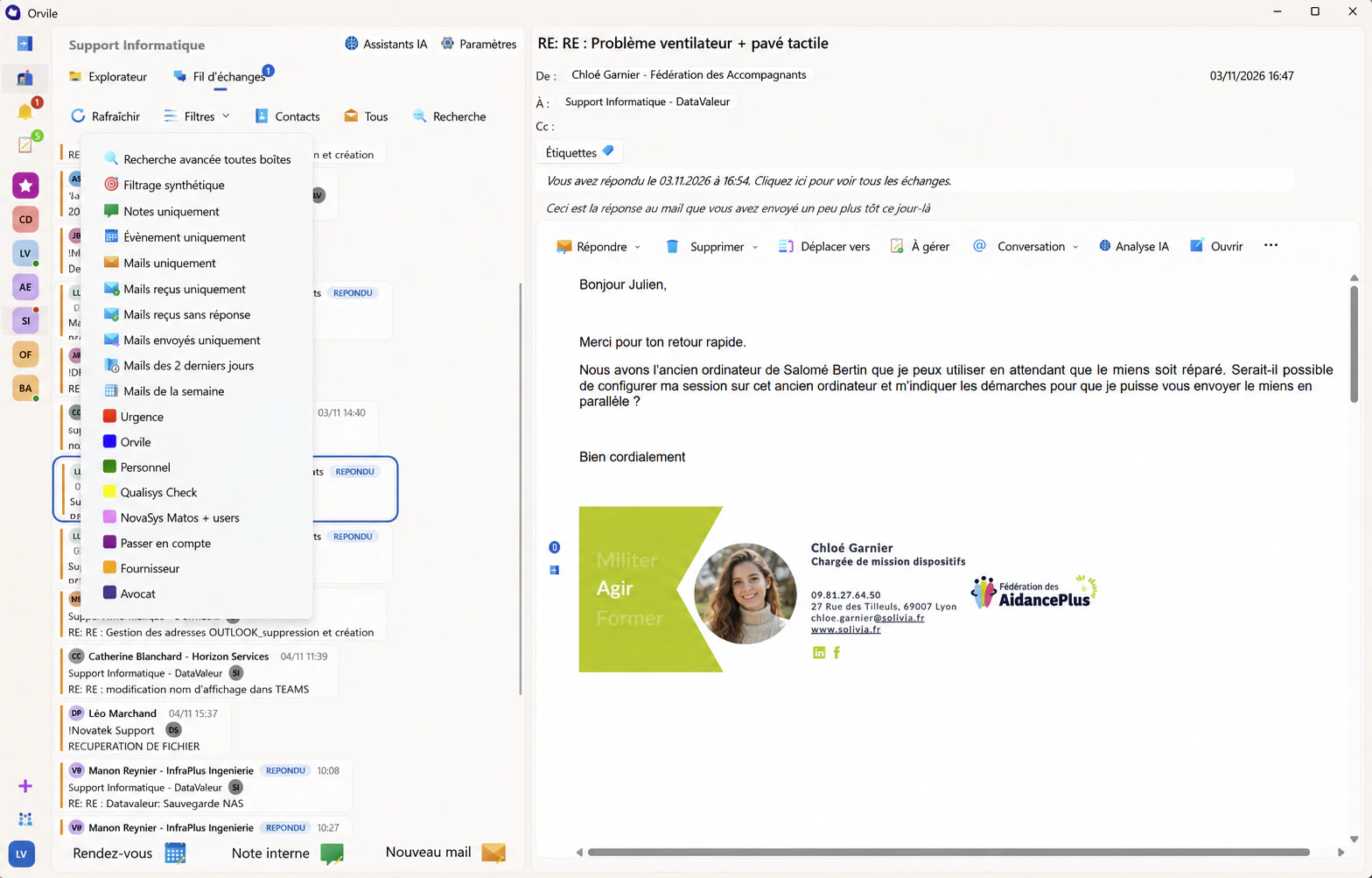
Select the emails relevant to your next conversation. The integrated AI can suggest a summary or help rephrase the reply you are preparing.
Review the original messages to confirm decisions, deadlines and the people involved. A summary supports preparation; project decisions still need your reading and approval.
Plan your setup
Organise the project record
Long-term local retention allows exchanges to become part of the storage arrangement chosen for your practice. Plan permissions, backups and access to completed project records with your IT contact.
See how Orvile worksStart with your
next project review.
Bring a case to discuss: drawings, stakeholders and conversations you need to find.
Request a demonstration