
From brief to delivery,
follow the assignment.
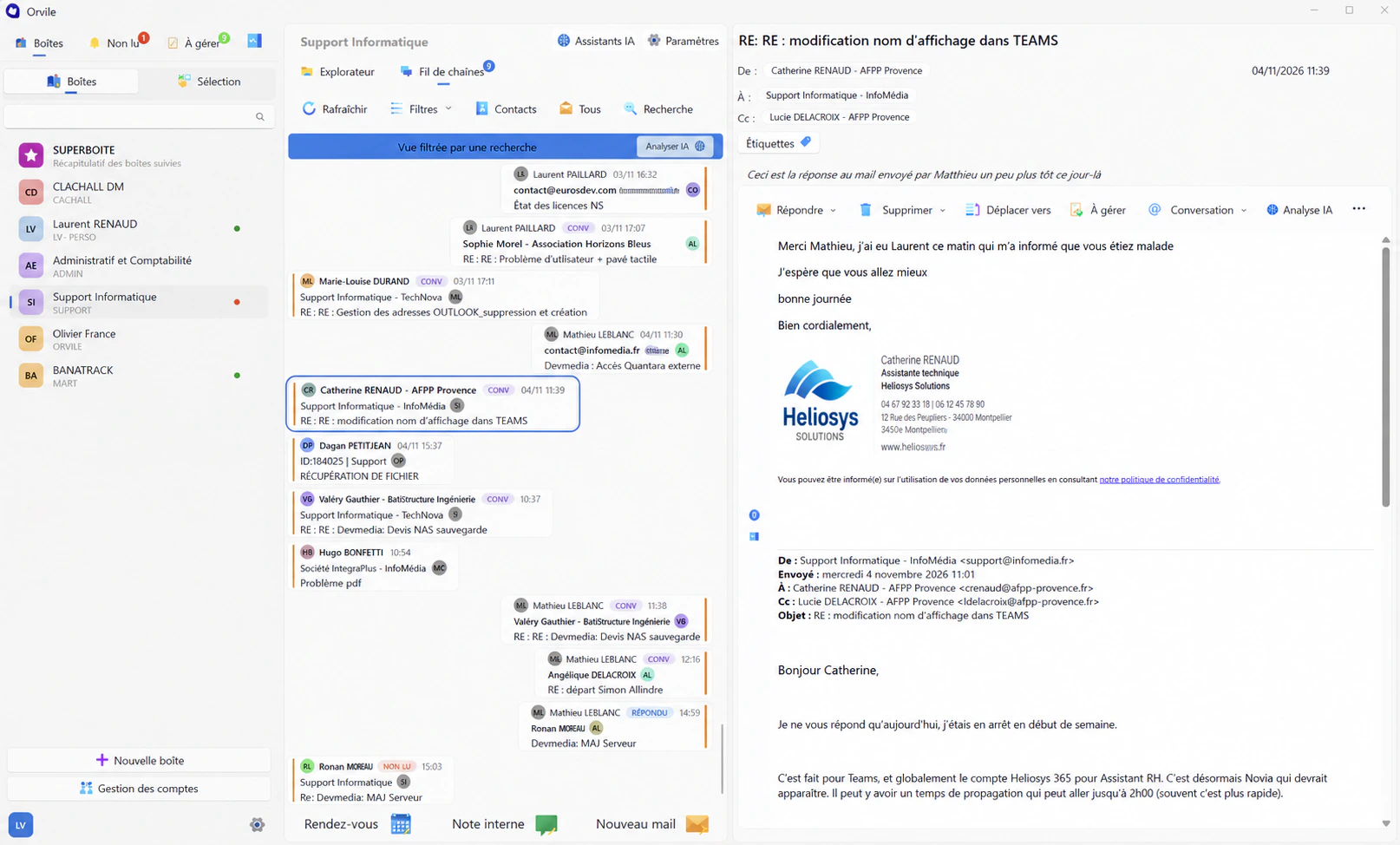
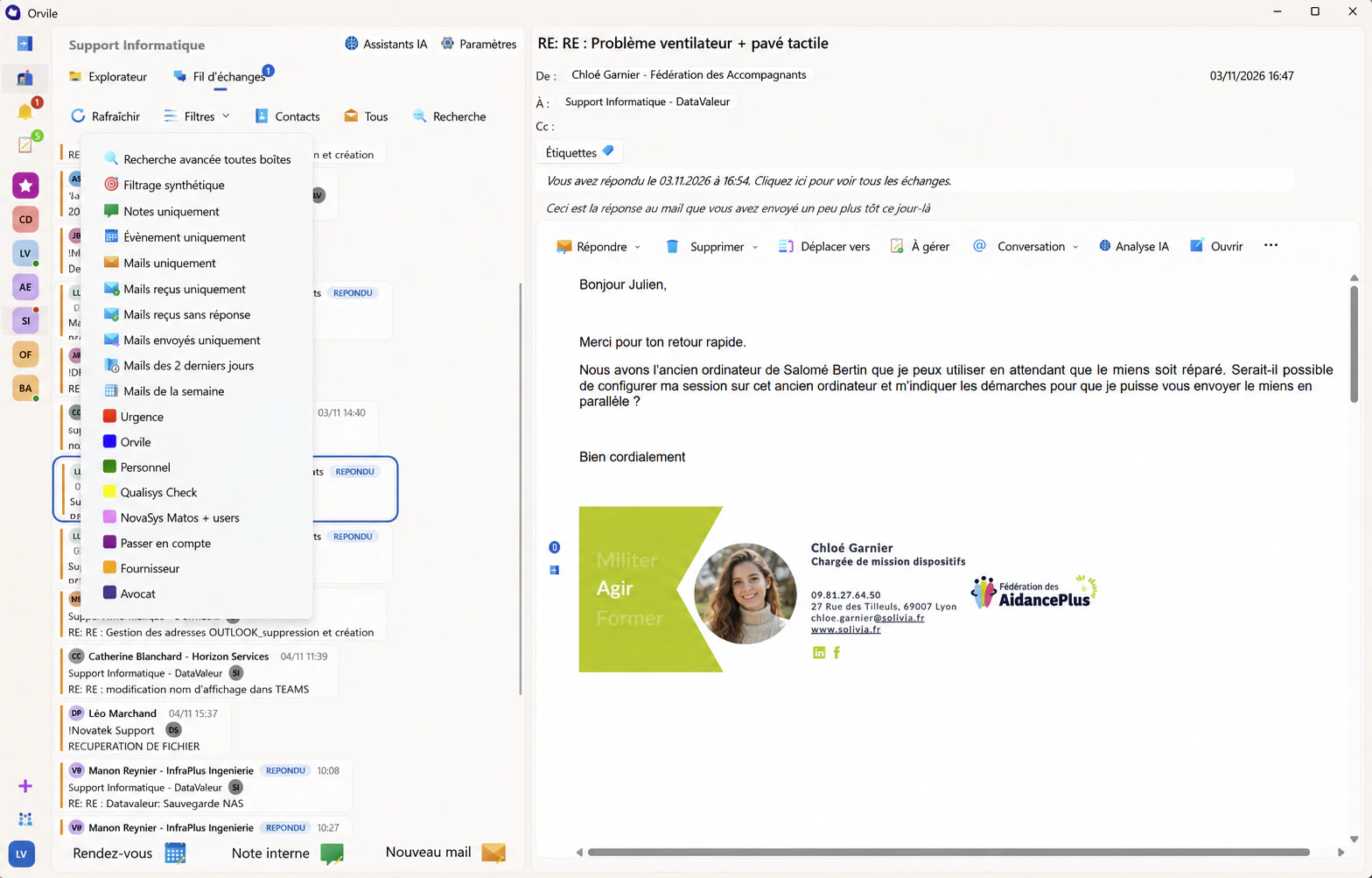
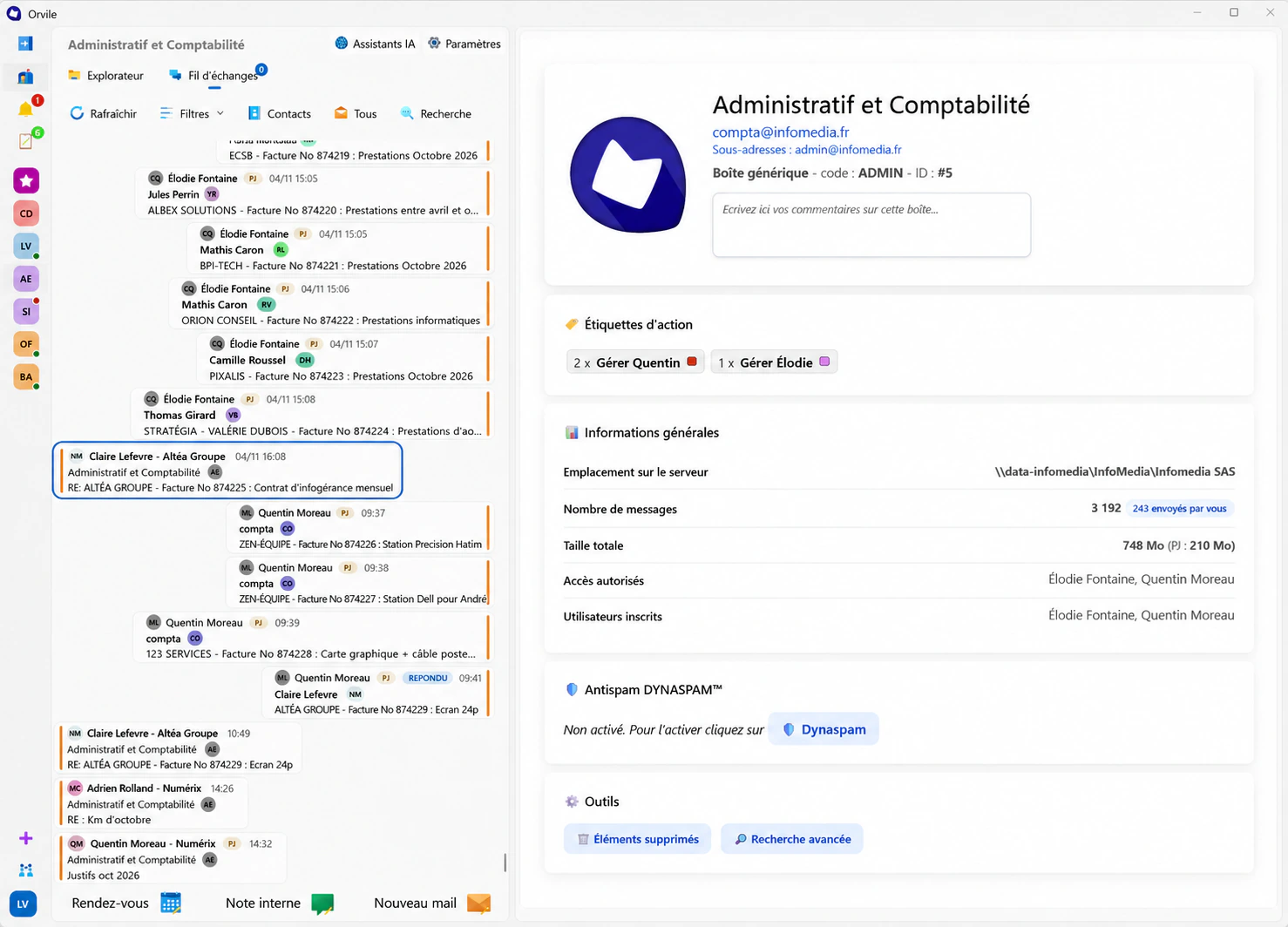
Orvile Mail automatically files emails in your client and assignment folders. Teams keep their familiar email routines and can find briefs, proposals and approvals when they need to reply.


From the first brief to the final approval.
A client sends their brief, clarifies the scope and comments on a proposal. The folder brings together these conversations and their attachments: a colleague with access can check the original request, the changes discussed and the response that was agreed.
An off-site meeting. A colleague takes over.
A request comes in while you’re away from the office. The colleague covering for you can consult the shared correspondence and assignment documents they have access to. An internal note can flag a point to check or a detail from the last phone call.

Find what was included.
The client returns to a subject a few months later. The quote describes the agreed scope; the correspondence explains changes accepted during the assignment. Consult them together to prepare a new proposal on a clear basis.
Browse Orvile’s featuresThe scope changes.
Find what was agreed.
Bring an assignment to discuss and explore its correspondence and approvals in Orvile.
Request a demonstration