
When a colleague
takes over a project.
The original agreement, later changes and the latest reply help explain where a project stands. In Orvile, an authorised colleague can find these emails with the project records when they take over.


A handover starts before someone is away.
The client is waiting for a reply, but the person handling the project is away. To take over, a colleague needs the request, what has already been sent and what remains to be decided.
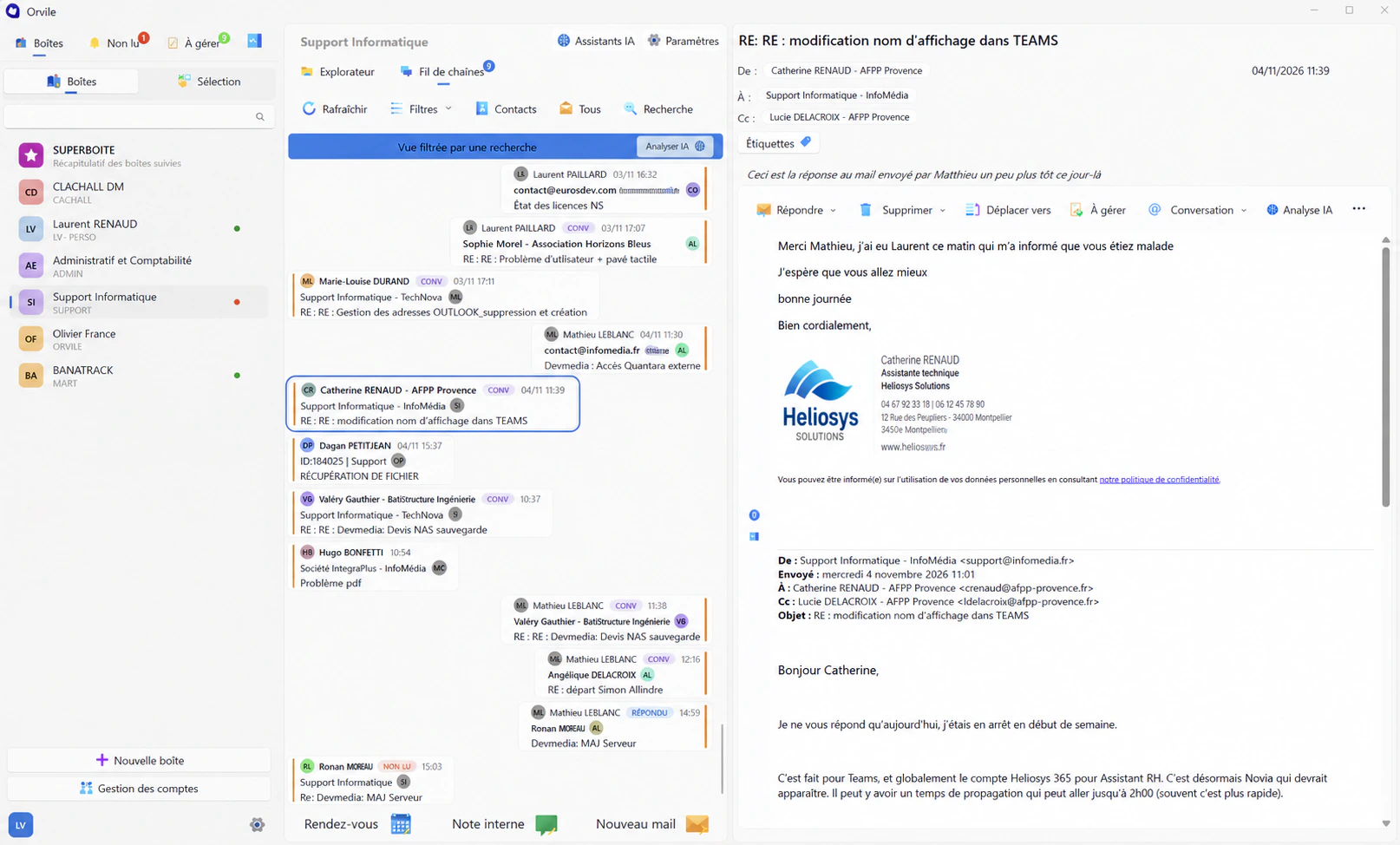
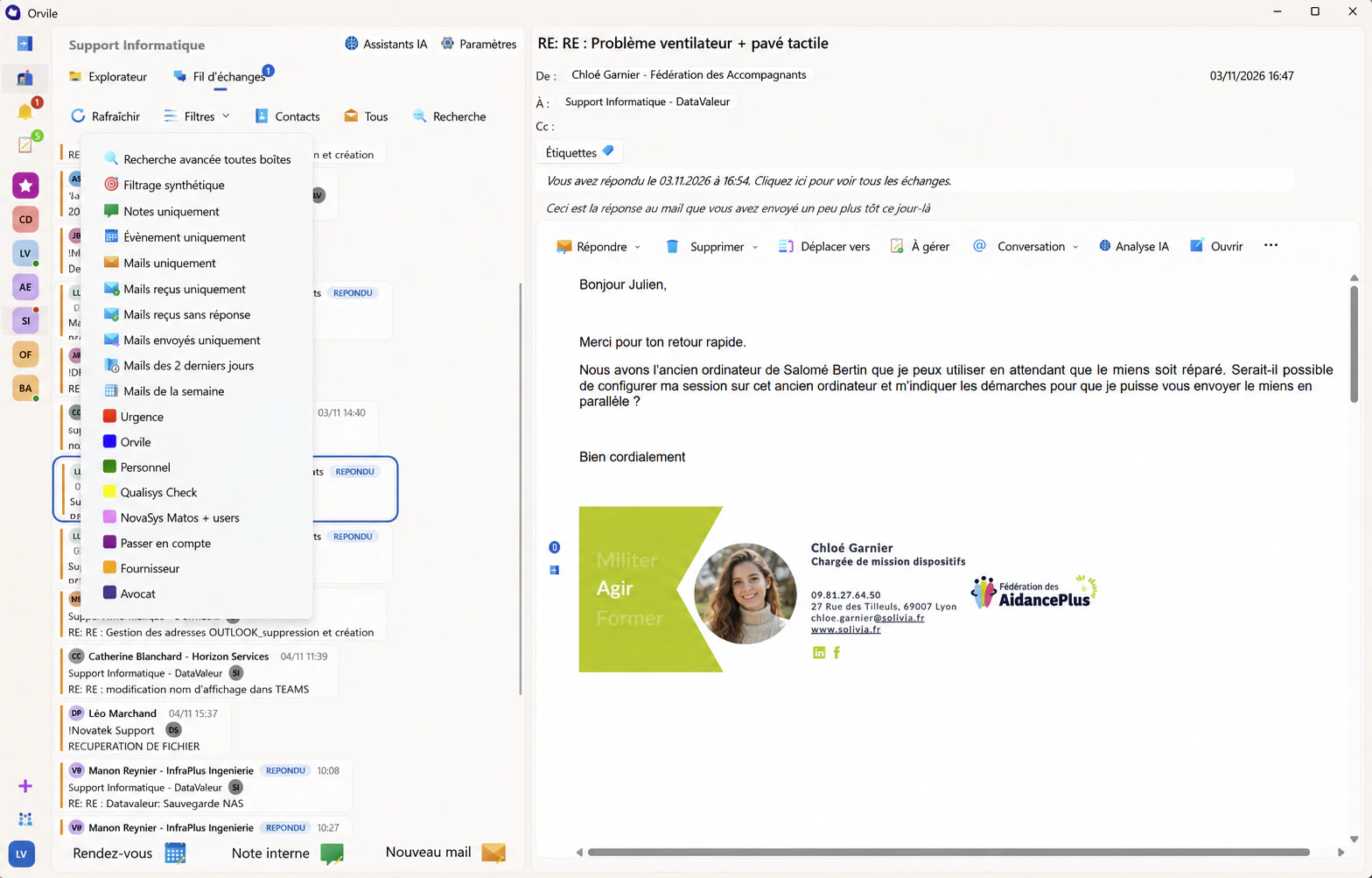
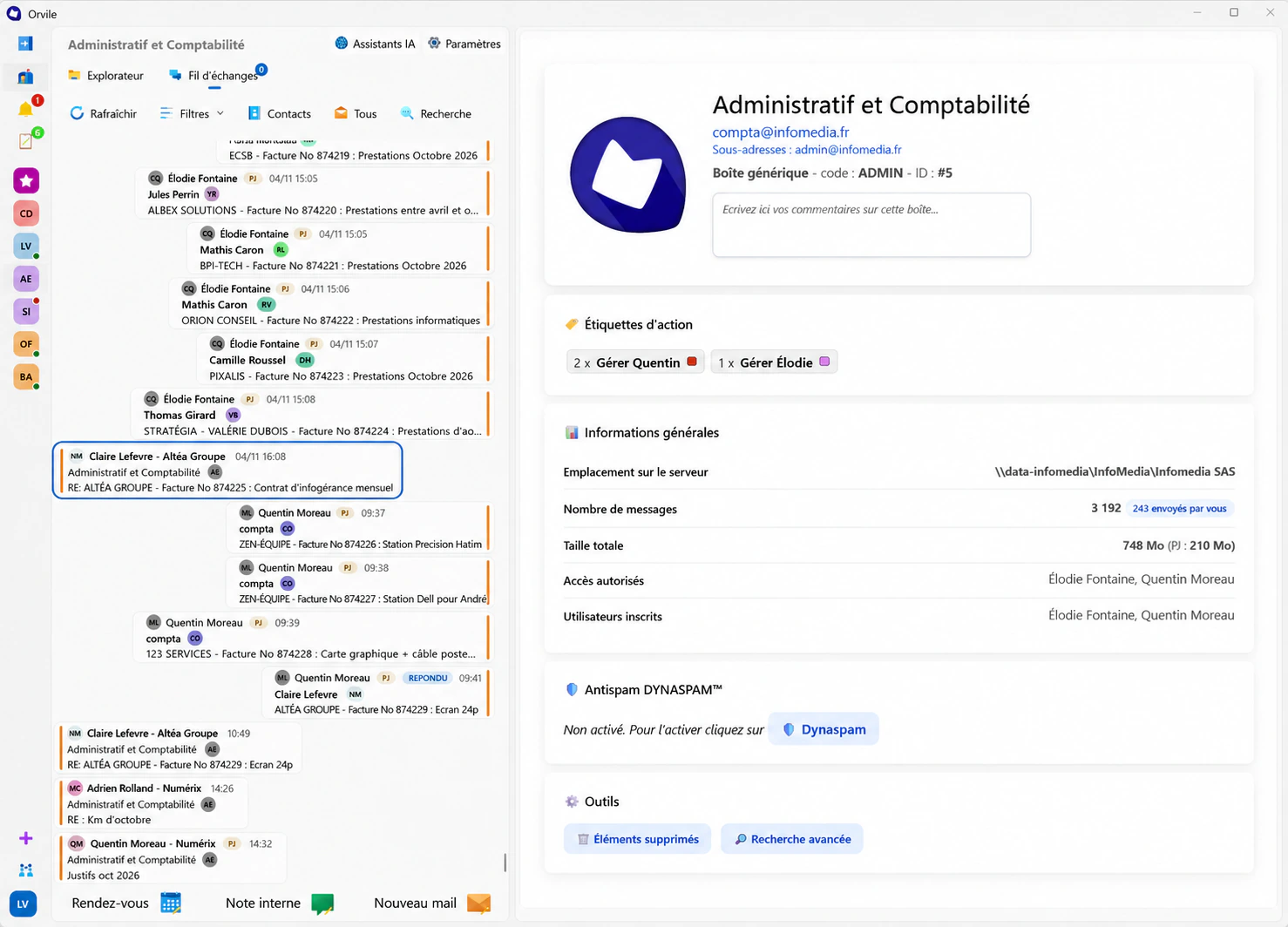
Orvile Mail automatically files messages in client and project folders. Authorised colleagues can find the history and review a reply with its attachment before continuing the exchange.
The reasoning behind a decision
A signed quote sets out the work. An email might explain what the client ruled out or promised to confirm. A colleague with access to the project can see what the previous lead knew.

Catch up with AI
Orvile’s AI works on a selection of emails. Ask it to summarise the topics discussed or the questions still open within that selection. You can also ask it to rephrase a draft reply.
Check the result against the original messages before sharing a summary or making a commitment. Reviewing it helps preserve the qualifications and details that matter to the other people on the project.
Plan your setup
Try a handover on a real project.
Choose a project handled by several people. Ask an authorised colleague who has not followed it recently to find the latest request, the relevant document and the next action.
This exercise helps identify missing access and information that needs clearer recording. Plan local retention and backups with your IT lead so these reference points remain available under the company’s rules.
Plan a pilot with your teamLet’s walk through a handover.
Which conversations does a colleague need to take over your project? Let’s explore that in Orvile.
Request a demonstration